
SWITCHING SYSTEMS
Move from Invoice2go to a truck sale record.
TruckDMS imports Invoice2go or CSV files, not your Invoice2go session or password. Prepare an export, confirm the columns and inspect the preview. Historical invoice totals are preserved instead of recalculated using current settings.
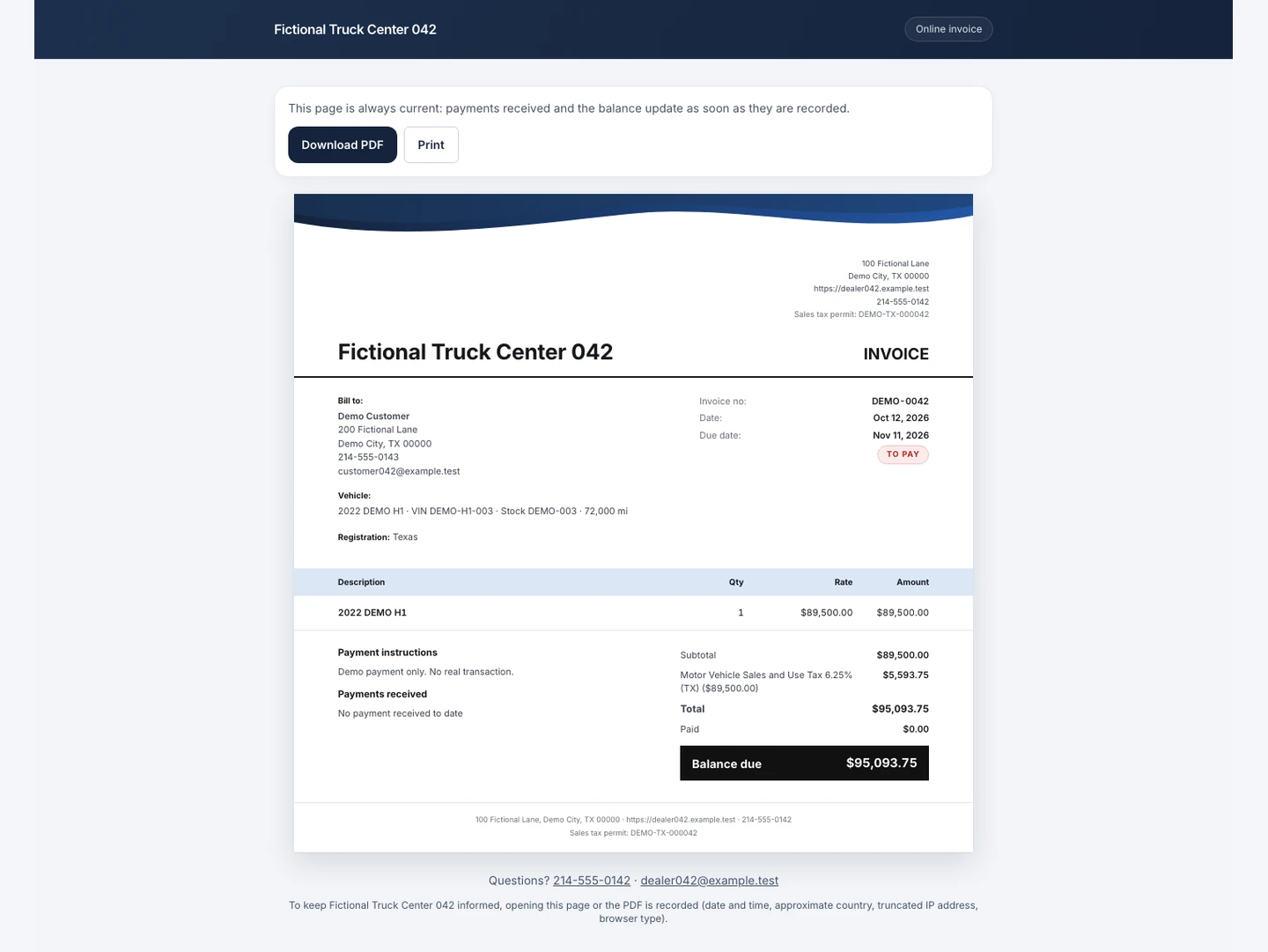
The screenshot shows a demo invoice. Imported history remains distinct from new sales.
Product screenshots with an entirely fictional dealership and demo data.
1. Prepare files and customers
Keep a copy of the original export. In Settings, Import, choose customers, saved items, inventory or invoices. Save an Excel sheet as UTF-8 CSV. Product templates show the expected columns; recognized Invoice2go headers help map them, but you still confirm the field for each column.
Import customers before invoices. For a historical invoice, the customer is matched by email, then name; otherwise one is created from the file. Check namesakes and contact details before confirming. Original attachments and every individual payment event are not recreated by this import.
2. Read the preview before saving
The preview counts ready, existing and rejected rows and gives their reasons. Customer rows are skipped for the same email or, without an email, the same name and phone. A name alone is added with a warning. Inventory is matched by VIN or stock number, even for sold or archived units.
Invoices use an import prefix separate from the current invoice sequence. An already imported number is skipped. Changing that prefix or the file identifiers changes the matching key: review the preview rather than assuming every record will be recognized automatically.
3. Check what history preserves
An imported invoice keeps its number with the prefix, total, file tax amounts, a summary line and one payment for the amount already paid. Its historical total is protected. Imported taxes appear in reports; map the file tax names to the appropriate categories during import.
An imported issued invoice counts as sent: payment reminders can follow its due date while it remains unpaid. Check balances, dates and reminder settings before using that history with customers. Importing a unit does not publish it on your website.
Choose for your inventory
Essential starts at $129 CAD a month for 40 units and 3 users. Pro, at $249 CAD, includes unlimited units and users and a custom domain. US dealerships pay $99 USD or $189 USD respectively. Taxes extra. The 14-day trial needs no card.
Frequently asked questions
Is this a continuous Invoice2go sync?
No. It is an import of files you prepare and check. Sessions, attachments and event-by-event history are not automatically transferred.
Which plan includes import?
CSV and Invoice2go import is part of the plans. Group includes assisted import. Plan unit limits apply to the inventory you add.